
Adobe Podcast
Studio-quality cleanup for bad recordings
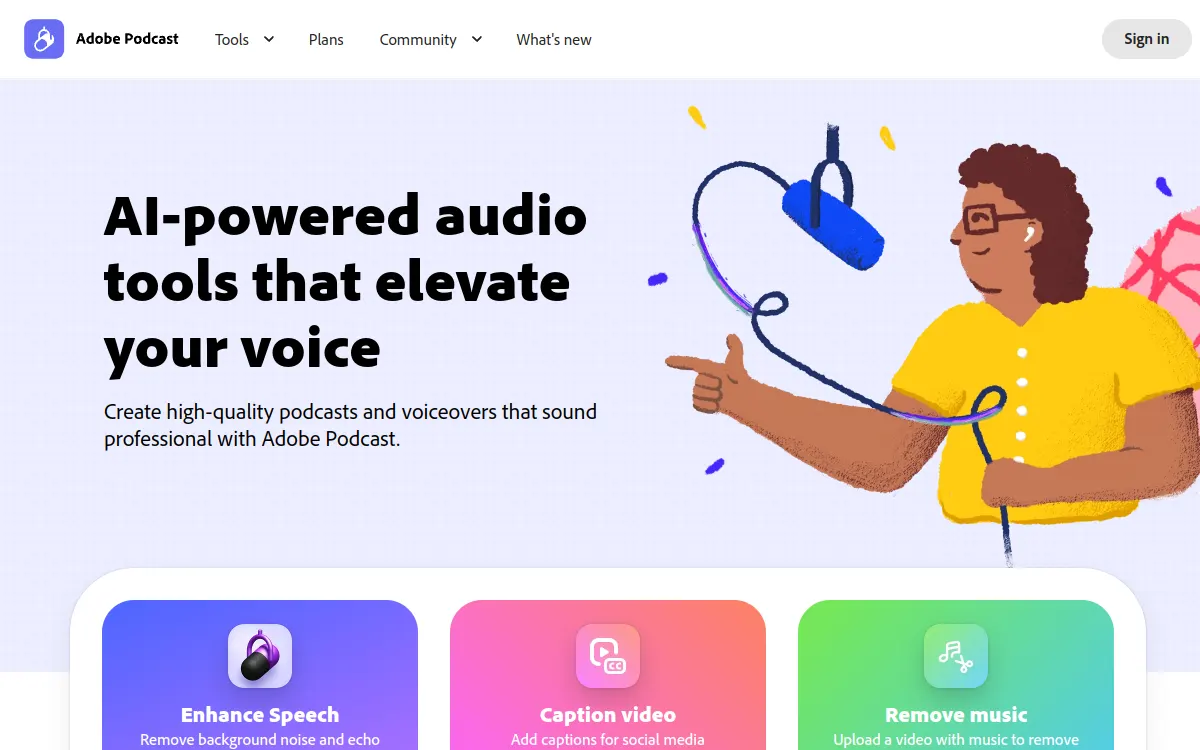
Adobe's Enhance Speech turns a laptop-mic recording into something that sounds like a treated room, and the basic version is free.
- Starting price
- ~$10 / month
- Free plan
- Yes
Starter prompts
Copy one into Adobe Podcast and swap the {braces} for your own details.
- Read this script in a {emotion} voice at a {pace} pace: {script}.
- Use this voice sample to narrate: {sample} → {script}.
- Clean up this recording and remove the background noise: {file}.
Overview
Enhance Speech removes room echo, fan noise and street rumble with one click. The web tool also does automatic transcription, filler-word removal and level matching. It is the fastest fix for interviews recorded without a proper microphone.
Key Features
One-click enhancement
Learns the noise profile and rebuilds the voice.
Filler-word removal
Strips 'um' and 'uh' from the transcript with matching cuts.
Auto transcript
Exports SRT and text alongside the cleaned audio.
How to Use
- Upload the file to podcast.adobe.com.
- Run Enhance Speech and compare before/after.
- Remove filler words, then download the WAV.
Core Advantages
- ✓Rescues unusable recordings
- ✓Free for short files
- ✓No plugin or install
Who It's For
Pricing & Free Trial
Free
Free
30 min/day
Premium
~$10 / month
Longer files, batch processing
Free tier: 30 minutes per day of enhancement.
Prices are indicative — check the current list on podcast.adobe.com
Frequently asked questions
- What is Adobe Podcast?
- Adobe's Enhance Speech turns a laptop-mic recording into something that sounds like a treated room, and the basic version is free.
- Is there a free plan for Adobe Podcast?
- 30 minutes per day of enhancement.
- How much does Adobe Podcast cost?
- Adobe Podcast uses a freemium model. The entry paid plan is ~$10 / month (Premium).
- What can Adobe Podcast do?
- Its headline capabilities: one-click enhancement; filler-word removal; auto transcript.
- Who is Adobe Podcast for?
- It is aimed at podcasters, interviewers, video editors.
Our Verdict
Keep it bookmarked. Nothing else fixes a noisy remote interview this fast.
Community rating
Tap a star to rate this tool
More like this




Compare Adobe Podcast with alternatives
Put Adobe Podcast next to its closest rivals — ratings, free tiers and entry prices in one table:
 ElevenLabs★ 4.8
 Moises★ 4.5
 Cartesia★ 4.5