
CodeRabbit
★★★★★4.4CodingUpdated 27 Oct 2026
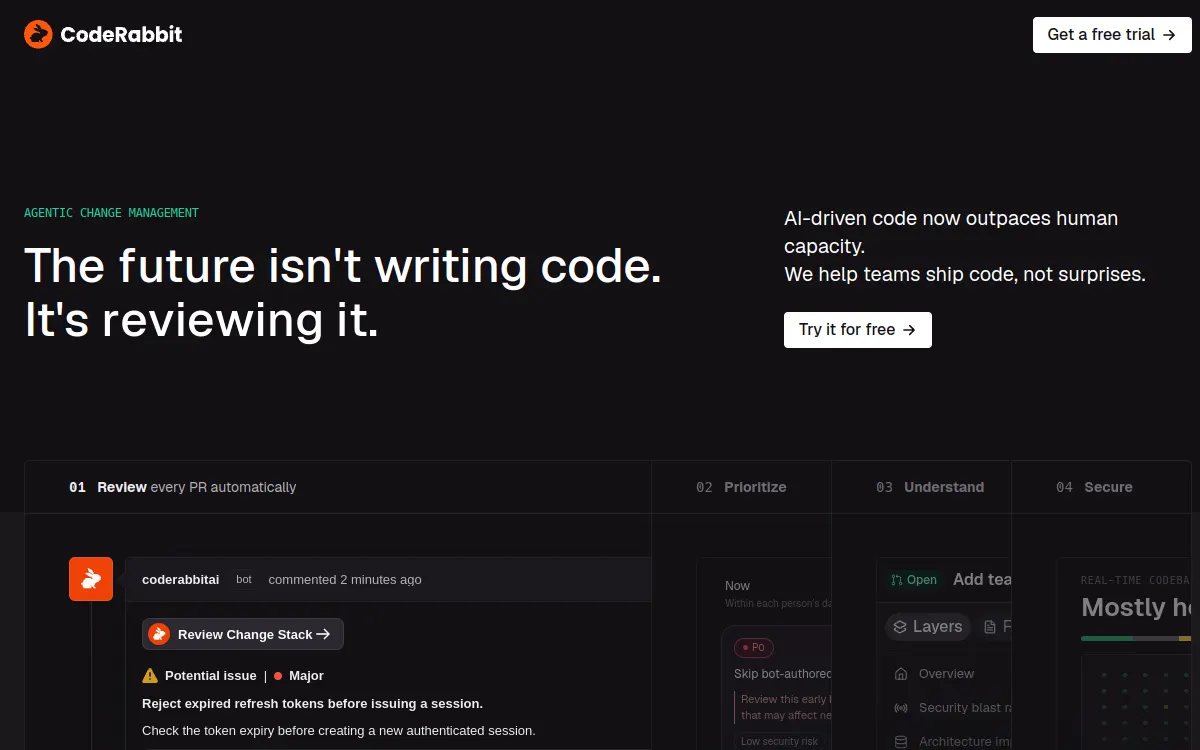
AI reviewer that comments on every pull request
CodeRabbit reviews PRs automatically, leaves line-level comments and can apply fixes through chat commands.
coderabbit.ai
Starter prompts
Copy one into CodeRabbit and swap the {braces} for your own details.
- Write a {language} function that {task}. Include tests and call out the edge cases.
- Review this diff for bugs and security issues, then suggest concrete fixes: {diff}.
- Explain this error and show the minimal fix: {error}.
Key Features
Line-level review
Bug, security and style findings with context.
PR summary
Readable changelog for reviewers.
Chat fixes
Ask it to commit a suggested change.
How to Use
- Install the GitHub or GitLab app on selected repos.
- Open a PR and wait for the automated review.
- Reply in the thread to request a fix or clarification.
Core Advantages
- ✓Catches real issues
- ✓Low signal-to-noise
- ✓Cheap per repo
Who It's For
Small teamsOSS maintainersPlatform teams
Pricing & Free Trial
Per repositoryChecked against the official pricing page
Team
$48
Advanced
$72
Free tier: Free for public repositories.
Last checked 27 Oct 2026 · source page
Frequently asked questions
- What is CodeRabbit?
- CodeRabbit reviews PRs automatically, leaves line-level comments and can apply fixes through chat commands.
- Is there a free plan for CodeRabbit?
- Free for public repositories.
- How much does CodeRabbit cost?
- CodeRabbit uses a per repository model. The entry paid plan is $48 (Team).
- What can CodeRabbit do?
- Its headline capabilities: line-level review; PR summary; chat fixes.
- Who is CodeRabbit for?
- It is aimed at small teams, OSS maintainers, platform teams.
Our Verdict
One of the few code-review bots reviewers do not mute.
Community rating
—
0 ratings
Tap a star to rate this tool
More like this





Compare CodeRabbit with alternatives
Put CodeRabbit next to its closest rivals — ratings, free tiers and entry prices in one table:
 Cursor★ 4.7
 Claude Code★ 4.6
 Lovable★ 4.5