
UI design in the browser
Online UI design tool with real-time collaboration, a large resource library and Sketch file compatibility.
Starter prompts
Copy one into Js Design and swap the {braces} for your own details.
- Design a {artifact} for {audience} with a {style} aesthetic and a {palette} palette.
- Show three layout options for this screen and explain the trade-offs: {description}.
- Suggest typography and spacing rules that match this reference: {reference}.
Overview
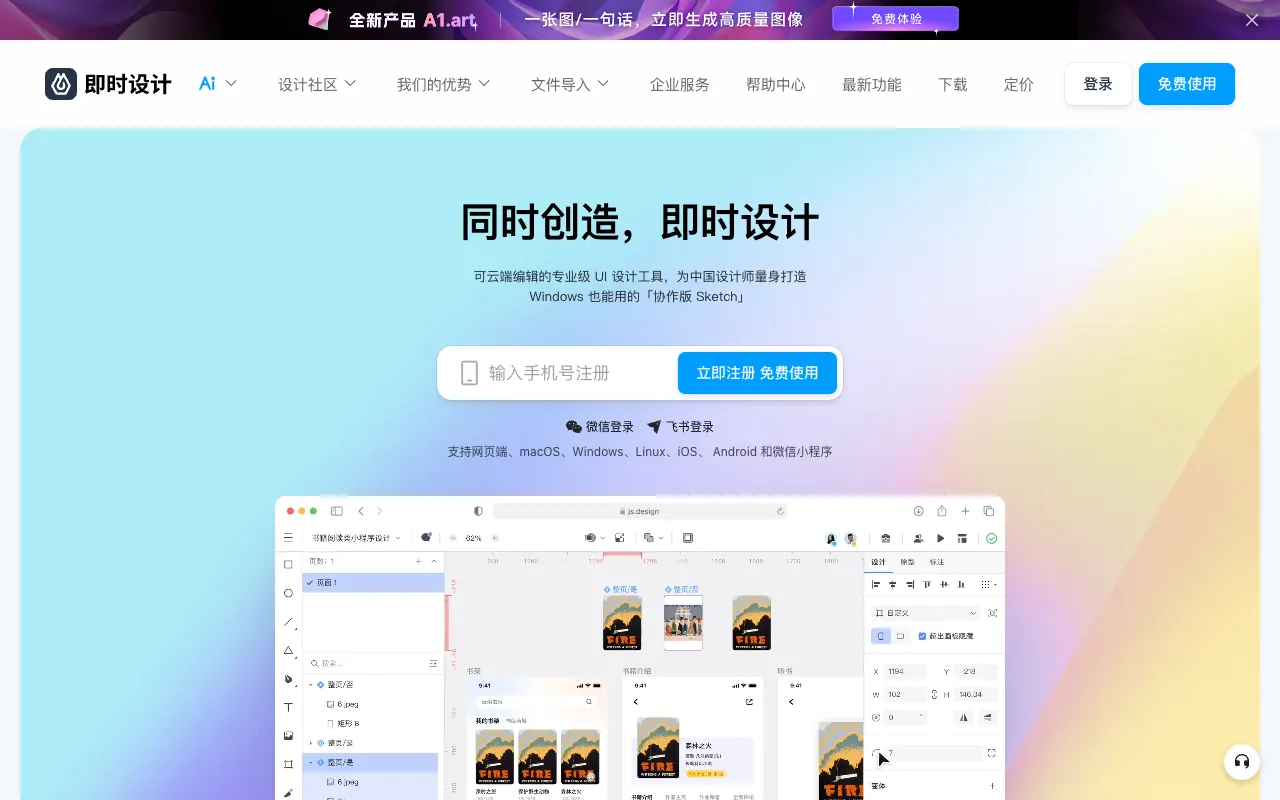
Jishi Design (即时设计) is a browser-based UI design tool with a Figma-like model — frames, components, auto layout — plus an AI layer that generates UI from a text description or a screenshot.
Access & Availability
- Signing up
- Mainland mobile number or WeChat.
- Availability
- Mainland hosted; overseas access works with latency.
- Language
- Chinese; partial English.
- Billing
- CNY via Alipay or WeChat Pay.
Key Features
Component and auto layout
Familiar Figma mental model with variants and libraries.
Screenshot to editable UI
Upload a screenshot and get an editable frame back.
Real-time collaboration
Multiple cursors with comment threads.
How to Use
- Create a team and a file in the browser.
- Design as you would in Figma, or generate a starting frame with AI.
- Share a prototype link or export specs for developers.
Core Advantages
- ✓Free for individual designers
- ✓Solid Figma import
- ✓Chinese hosting keeps it fast
Who It's For
Pricing & Free Trial
Free
Free
Personal use
Team
CNY per editor per month
Shared libraries, permissions
Free tier: Free for individuals with unlimited personal files; team features are paid.
Read from js.design on 28 Oct 2026 · check the current list on js.design
CNY per editor; enterprise deployment quoted separately.
Frequently asked questions
- What is Js Design?
- Online UI design tool with real-time collaboration, a large resource library and Sketch file compatibility.
- Is there a free plan for Js Design?
- Free for individuals with unlimited personal files; team features are paid.
- How much does Js Design cost?
- Js Design uses a freemium model — see the pricing section for the plans we have on file.
- What can Js Design do?
- Its headline capabilities: component and auto layout; screenshot to editable UI; real-time collaboration.
- Who is Js Design for?
- It is aimed at individual designers, small product teams, students learning UI design.
- Is Js Design available in mainland China?
- Yes — Js Design is built in mainland China and is designed to work there directly. See the access notes above for signup and billing details.
Our Verdict
The best free option for a Chinese designer working alone. Team plans are where it gets expensive.
Community rating
Tap a star to rate this tool
More like this






Compare Js Design with alternatives
Put Js Design next to its closest rivals — ratings, free tiers and entry prices in one table:
 Figma AI★ 4.5
 Canva AI★ 4.4
Lovart★ 4.3