Liner
★★★★★4.0SearchFreemiumUpdated 27 Oct 2026
Highlight the web and get AI answers from your marks
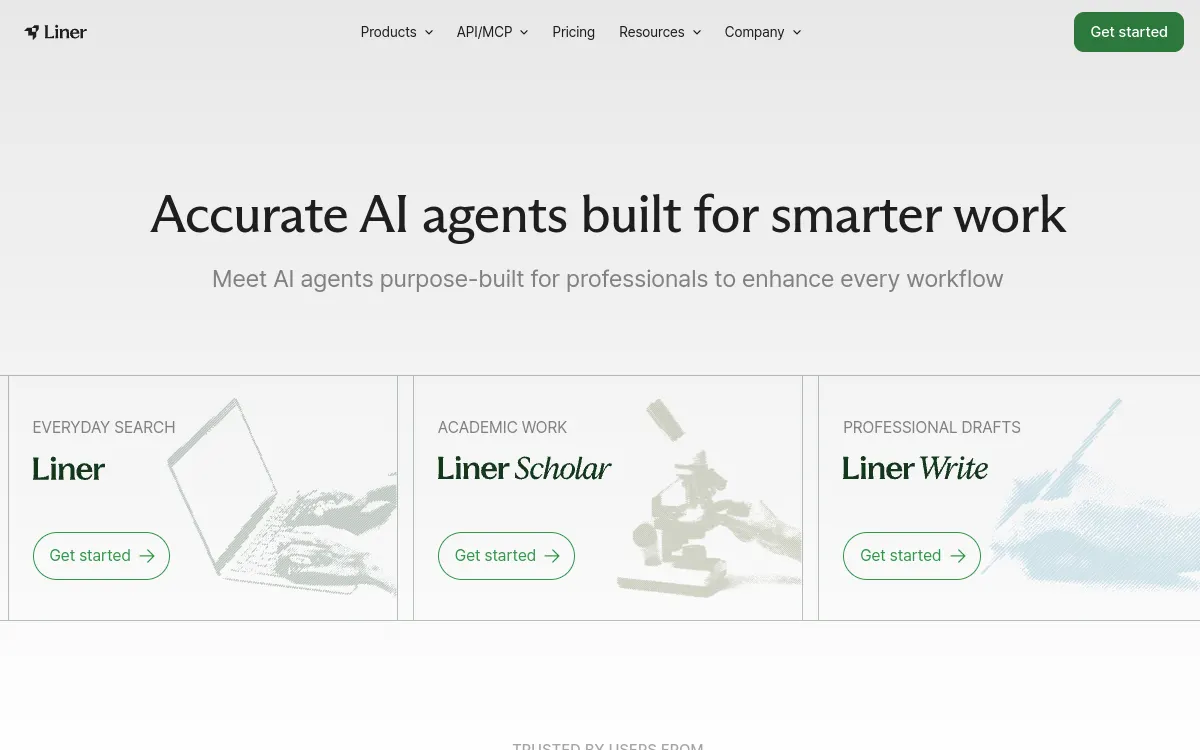
Liner is a browser highlighter that turns your marks into a personal knowledge base and answers questions from it.
- Starting price
- ~$12 / month
- Free plan
- Yes
liner.com
Starter prompts
Copy one into Liner and swap the {braces} for your own details.
- Summarise the current consensus on {question} and cite the sources you used.
- Compare {option A} and {option B} on {criteria} and say which wins.
- Find the most recent primary sources about {topic} and list them with dates.
Key Features
Web highlighter
Mark text on any page and save it.
Answer from highlights
Queries your own saved passages.
Workspace
Folders and collaboration on notes.
How to Use
- Install the extension and highlight useful passages as you read.
- Ask the sidebar a question to search your highlights.
- Organise into folders for a project.
Core Advantages
- ✓Builds a personal corpus
- ✓Good for research reading
- ✓Free tier
Who It's For
AnalystsStudentsContent researchers
Pricing & Free Trial
FreemiumIndicative — not yet re-checked
Premium
~$12 / month
Unlimited highlights and AI
Free tier: Limited AI queries and highlights.
Prices are indicative — check the current list on liner.com
Frequently asked questions
- What is Liner?
- Liner is a browser highlighter that turns your marks into a personal knowledge base and answers questions from it.
- Is there a free plan for Liner?
- Limited AI queries and highlights.
- How much does Liner cost?
- Liner uses a freemium model. The entry paid plan is ~$12 / month (Premium).
- What can Liner do?
- Its headline capabilities: web highlighter; answer from highlights; workspace.
- Who is Liner for?
- It is aimed at analysts, students, content researchers.
Our Verdict
Useful if you read a lot and want your own notes to be queryable.
Community rating
—
0 ratings
Tap a star to rate this tool
More like this




Compare Liner with alternatives
Put Liner next to its closest rivals — ratings, free tiers and entry prices in one table:
 Perplexity★ 4.6
 Semantic Scholar★ 4.5
 Genspark★ 4.4