Text and image to 3D mesh, built by a China-based team
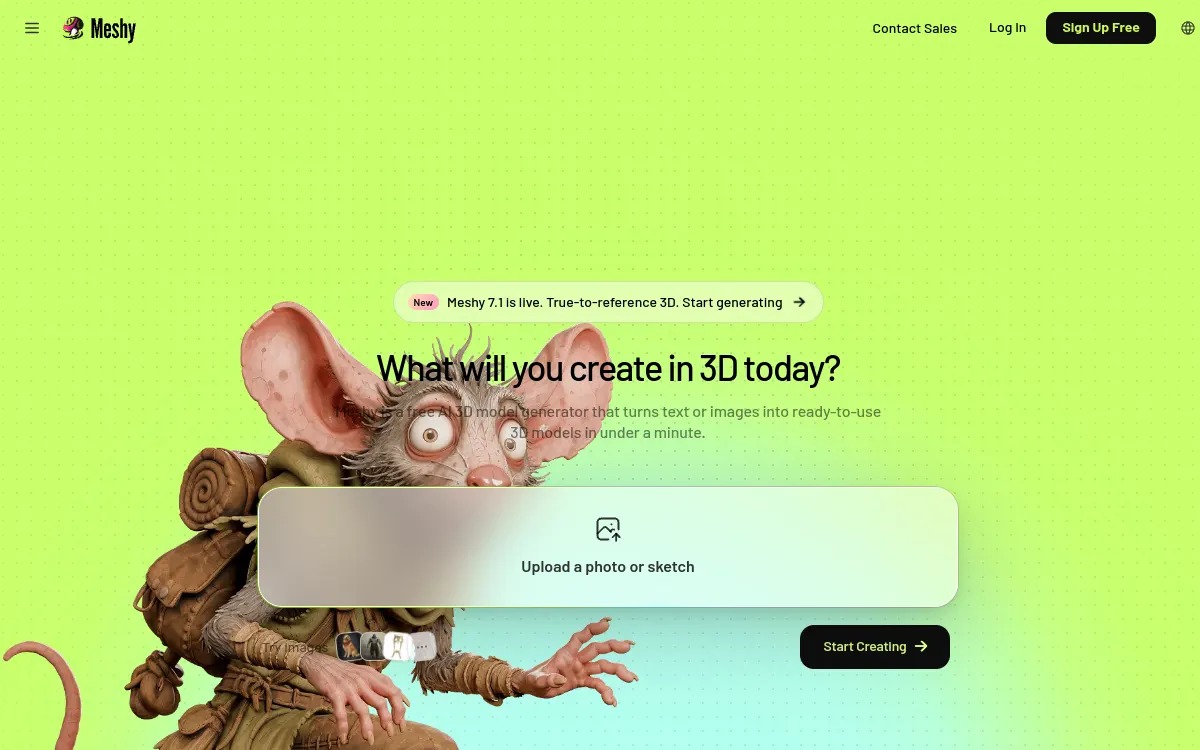
Meshy turns a prompt or a reference image into a textured 3D model with PBR maps, aimed at game and product work rather than printing.
Starter prompts
Copy one into Meshy and swap the {braces} for your own details.
- {subject}, {style} style, {lighting} lighting, shot on {lens} — aspect ratio 16:9.
- Redraw this reference in {style} while keeping the composition: {reference}.
- Give me four variations of {subject} for a moodboard, each with a different palette.
Overview
Meshy is one of the few 3D generators that produces assets you can drop into a game engine: quad or triangle topology, UVs, and PBR texture maps rather than a single baked colour. The team is China-based, but the product is sold globally with an English interface and a proper free tier.
Access & Availability
- Signing up
- Email or Google account; no phone number needed.
- Availability
- Global site, works everywhere without a VPN.
- Language
- English interface.
- Billing
- USD via credit card.
Key Features
Text and image to 3D
Generate a mesh from a prompt, or reconstruct one from a reference image.
PBR texture sets
Albedo, normal, roughness and metallic maps generated alongside the mesh.
Remesh and refine
Adjust topology density and re-texture without regenerating from scratch.
How to Use
- Sign up with email or Google.
- Enter a prompt or upload a reference image and pick a style.
- Download the mesh in FBX, OBJ or GLB with textures included.
Pros & Cons
Pros
- ✓Engine-ready output with proper UVs
- ✓Free tier covers real evaluation
- ✓Fast iteration between prompt and result
Cons
- ×Signing up requires a phone number, which can deter some users.
Who It's For
Pricing & Free Trial
Free
Free
Monthly credits, non-commercial terms
Pro
USD, billed monthly
Commercial licence, private generations
Free tier: Monthly free credit grant, enough for a handful of generations.
Read from meshy.ai on 28 Oct 2026 · check the current list on meshy.ai
Billed in USD; commercial use requires a paid plan.
Frequently asked questions
- What is Meshy?
- Meshy turns a prompt or a reference image into a textured 3D model with PBR maps, aimed at game and product work rather than printing.
- Is there a free plan for Meshy?
- Monthly free credit grant, enough for a handful of generations.
- How much does Meshy cost?
- Meshy uses a freemium + subscription model — see the pricing section for the plans we have on file.
- What can Meshy do?
- Its headline capabilities: text and image to 3D; PBR texture sets; remesh and refine.
- Who is Meshy for?
- It is aimed at indie game developers, product visualisation teams, 3D generalists needing base meshes.
- Is Meshy available in mainland China?
- Yes — Meshy is built in mainland China and is designed to work there directly. See the access notes above for signup and billing details.
Our Verdict
The most practical text-to-3D tool available, largely because it respects the format the output goes into. Organic shapes still need cleanup.
Community rating
Tap a star to rate this tool
More like this




Compare Meshy with alternatives
Put Meshy next to its closest rivals — ratings, free tiers and entry prices in one table:
 FLUX★ 4.7
 Nano Banana★ 4.6
 Midjourney★ 4.6