
Microsoft Translator
Free translation with conversation and document modes
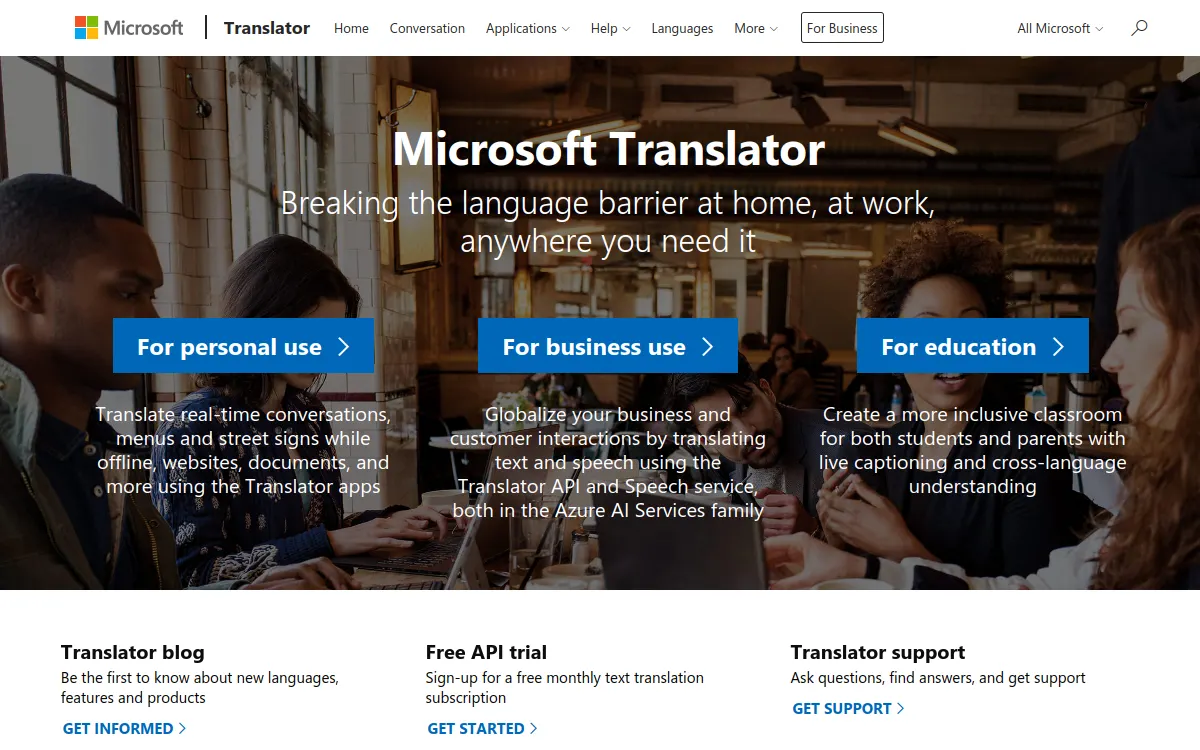
Microsoft Translator covers 130+ languages with text, speech, document and multi-person conversation translation, plus a free API tier.
- Starting price
- ~$10 per 1M chars
- Free plan
- Yes
Starter prompts
Copy one into Microsoft Translator and swap the {braces} for your own details.
- Translate this into {language} keeping a {tone} register: {text}.
- Localise this interface string for {locale} and keep it under {n} characters: {string}.
- Translate this, then explain any idiom you had to adapt: {text}.
Key Features
Conversation mode
Two people speak across languages on one device.
Document translation
Preserves layout in Office and PDF files.
Free API tier
Generous monthly character allowance.
How to Use
- Open the web app or mobile client.
- For meetings, start conversation mode and pass the device.
- For API work, create an Azure Translator resource.
Core Advantages
- ✓Truly free for most uses
- ✓Good speech mode
- ✓Wide language list
Who It's For
Pricing & Free Trial
Free
$0
Consumer apps plus API allowance
Pay as you go
~$10 per 1M chars
Volume pricing tiers
Free tier: 2M characters per month via API.
Prices are indicative — check the current list on translator.microsoft.com
Frequently asked questions
- What is Microsoft Translator?
- Microsoft Translator covers 130+ languages with text, speech, document and multi-person conversation translation, plus a free API tier.
- Is there a free plan for Microsoft Translator?
- 2M characters per month via API.
- How much does Microsoft Translator cost?
- Microsoft Translator uses a free with paid API beyond limits model. The entry paid plan is ~$10 per 1M chars (Pay as you go).
- What can Microsoft Translator do?
- Its headline capabilities: conversation mode; document translation; free API tier.
- Who is Microsoft Translator for?
- It is aimed at travellers, developers, global teams.
Our Verdict
Less fluent than DeepL for European pairs, far broader on languages and speech.
Community rating
Tap a star to rate this tool
More like this





Compare Microsoft Translator with alternatives
Put Microsoft Translator next to its closest rivals — ratings, free tiers and entry prices in one table:
DeepL★ 4.7
 Immersive Translate★ 4.5
 LanguageTool★ 4.4