
Picsart
★★★★★4.1ImageFreemiumUpdated 27 Oct 2026
Social-first editor with AI effects and templates
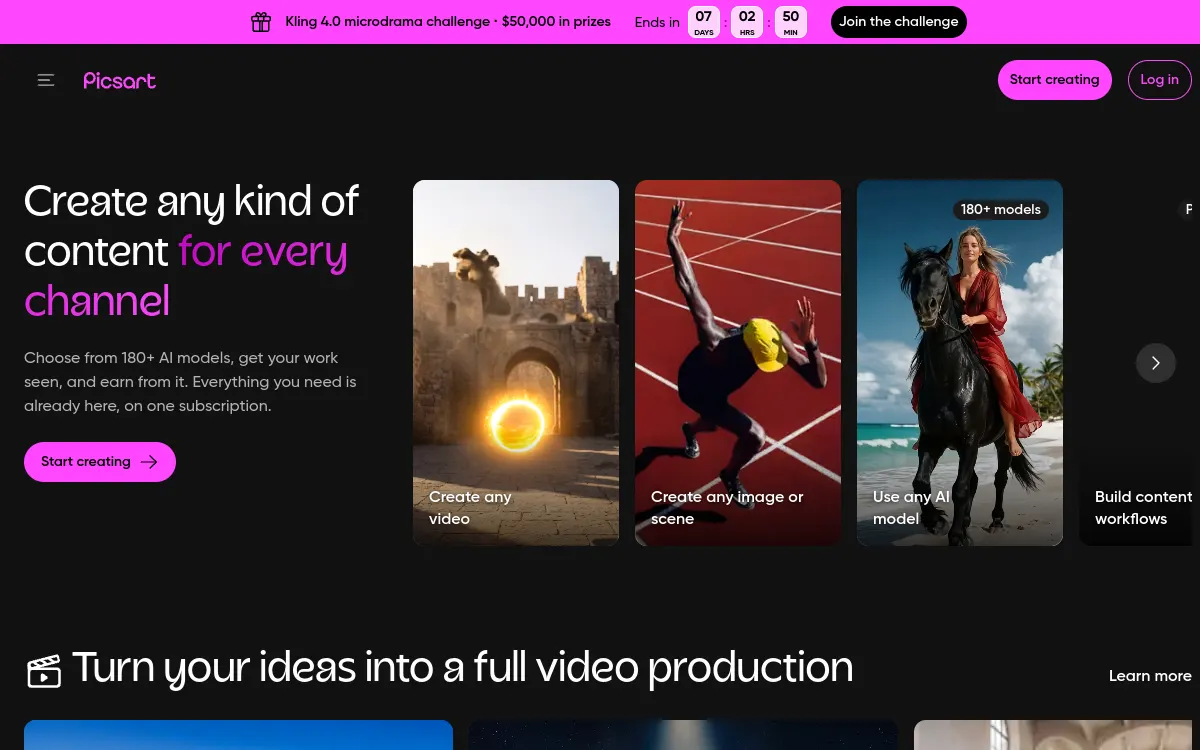
Picsart pairs a mobile editor with AI tools — background removal, object erase, style transfer — and a huge template library.
- Starting price
- $15
- Free plan
- Yes
picsart.com
Starter prompts
Copy one into Picsart and swap the {braces} for your own details.
- {subject}, {style} style, {lighting} lighting, shot on {lens} — aspect ratio 16:9.
- Redraw this reference in {style} while keeping the composition: {reference}.
- Give me four variations of {subject} for a moodboard, each with a different palette.
Key Features
AI effects
Style transfer, replace and expand.
Templates
Trend-driven social formats.
Stickers and fonts
Large asset library.
How to Use
- Pick a template or start from a photo.
- Apply an AI effect and adjust intensity.
- Export for the target platform.
Core Advantages
- ✓Great mobile experience
- ✓Trendy assets
- ✓Free core use
Who It's For
Social creatorsSmall businessesStudents
Pricing & Free Trial
FreemiumChecked against the official pricing page
Pro
$15
Ultra
$75
Free tier: Core editing with watermark on some assets.
Last checked 27 Oct 2026 · source page
Frequently asked questions
- What is Picsart?
- Picsart pairs a mobile editor with AI tools — background removal, object erase, style transfer — and a huge template library.
- Is there a free plan for Picsart?
- Core editing with watermark on some assets.
- How much does Picsart cost?
- Picsart uses a freemium model. The entry paid plan is $15 (Pro).
- What can Picsart do?
- Its headline capabilities: AI effects; templates; stickers and fonts.
- Who is Picsart for?
- It is aimed at social creators, small businesses, students.
Our Verdict
Ideal for fast social content; not a precision retouching tool.
Community rating
—
0 ratings
Tap a star to rate this tool
More like this






Compare Picsart with alternatives
Put Picsart next to its closest rivals — ratings, free tiers and entry prices in one table:
 FLUX★ 4.7
 Nano Banana★ 4.6
 Midjourney★ 4.6