
Recraft
Vector-native generation for icons and illustrations
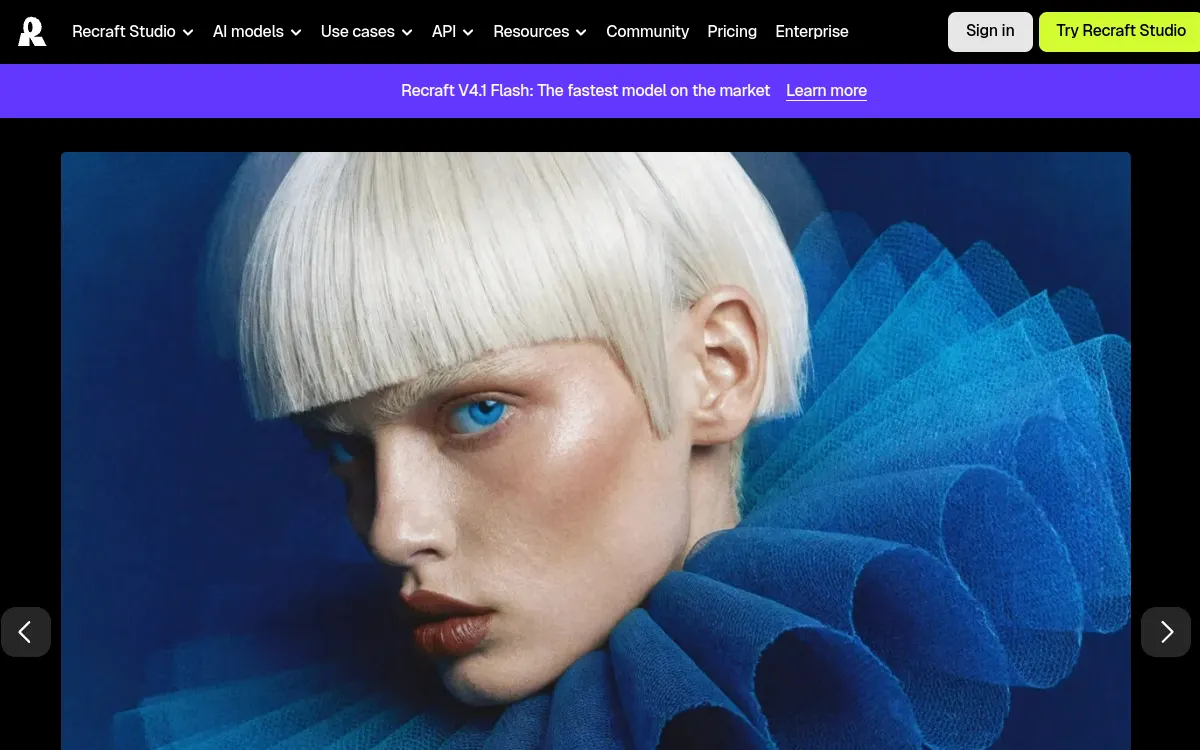
Recraft outputs true SVG vectors, not pixels, so generated icons and illustrations drop straight into a design system.
Starter prompts
Copy one into Recraft and swap the {braces} for your own details.
- {subject}, {style} style, {lighting} lighting, shot on {lens} — aspect ratio 16:9.
- Redraw this reference in {style} while keeping the composition: {reference}.
- Give me four variations of {subject} for a moodboard, each with a different palette.
Overview
Recraft is the rare generator built for designers: it produces editable vector art, keeps a consistent style library, and supports text rendering for logos. Mockups and background removal sit in the same workspace.
Key Features
SVG output
Export clean paths you can recolour and scale in Figma.
Style library
Save a look and reuse it across a whole icon set.
Brand controls
Lock palettes so outputs match an existing identity.
How to Use
- Describe the icon or illustration and choose vector output.
- Apply or create a style to keep the set consistent.
- Export SVG into your design tool and clean up paths if needed.
Core Advantages
- ✓Real vectors, not traced bitmaps
- ✓Consistent style across assets
- ✓Designer-friendly export
Who It's For
Pricing & Free Trial
Free
$0
Limited credits, 3 images per generation, personal use
Free tier: Free plan: limited daily credits, 3 generations per style per day, personal use only.
Last checked 27 Oct 2026 · source page
Basic/Advanced/Pro raise the credit grant and unlock commercial use — check the page.
Frequently asked questions
- What is Recraft?
- Recraft outputs true SVG vectors, not pixels, so generated icons and illustrations drop straight into a design system.
- Is there a free plan for Recraft?
- Free plan: limited daily credits, 3 generations per style per day, personal use only.
- How much does Recraft cost?
- Recraft uses a credit subscription, monthly or yearly model — see the pricing section for the plans we have on file.
- What can Recraft do?
- Its headline capabilities: SVG output; style library; brand controls.
- Who is Recraft for?
- It is aimed at UI designers, brand teams, illustrators.
Our Verdict
Fills a gap the other image models ignore. If you need icons or spot illustrations in a client's palette, this beats post-processing a raster render.
Community rating
Tap a star to rate this tool
More like this



Compare Recraft with alternatives
Put Recraft next to its closest rivals — ratings, free tiers and entry prices in one table:
 FLUX★ 4.7
 Nano Banana★ 4.6
 Midjourney★ 4.6