Bigjpg
★★★★★4.0ImageFreemiumUpdated 27 Oct 2026
Free AI upscaler that handles anime especially well
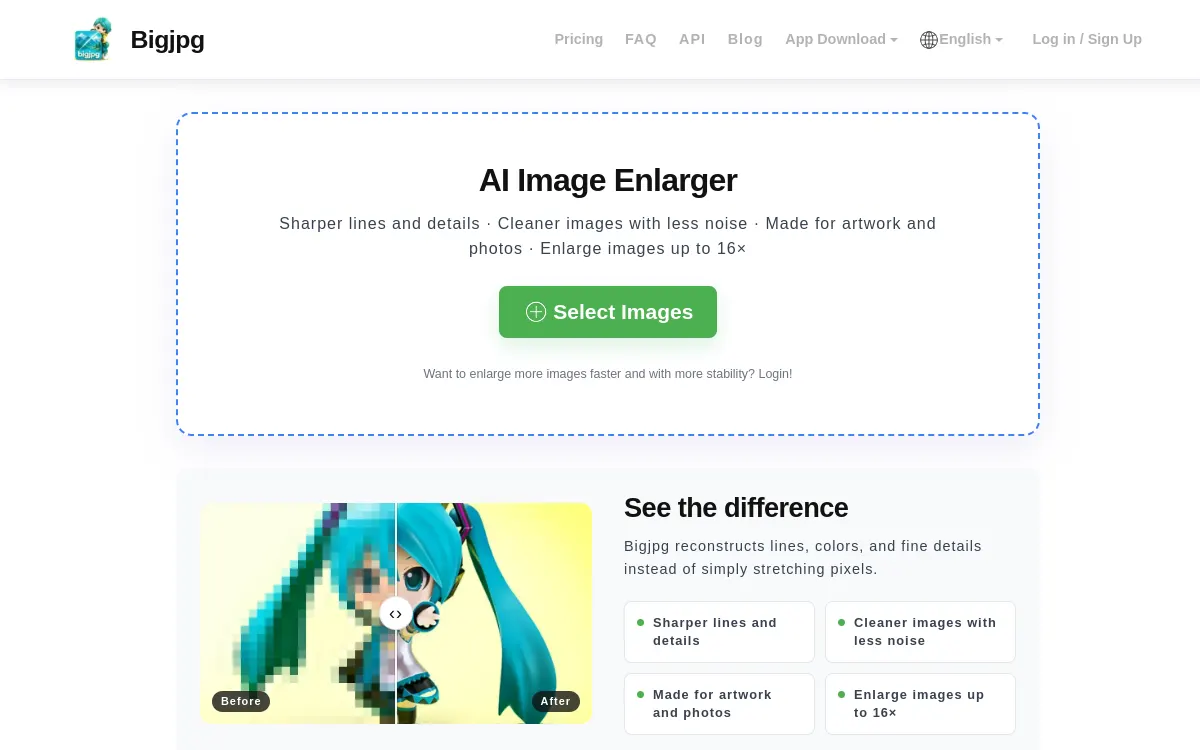
Bigjpg enlarges images up to 16x using a convolutional network, with a dedicated mode for anime and line art.
- Starting price
- ~$5 / month
- Free plan
- Yes
bigjpg.com
Starter prompts
Copy one into Bigjpg and swap the {braces} for your own details.
- {subject}, {style} style, {lighting} lighting, shot on {lens} — aspect ratio 16:9.
- Redraw this reference in {style} while keeping the composition: {reference}.
- Give me four variations of {subject} for a moodboard, each with a different palette.
Key Features
Up to 16x
Multiple scale steps.
Anime mode
Preserves flat colour and line edges.
Noise reduction
Cleans compression artefacts.
How to Use
- Upload the image and choose photo or anime mode.
- Select the scale and noise level.
- Download the upscaled file.
Core Advantages
- ✓Free for small images
- ✓Great on illustrations
- ✓Simple
Who It's For
IllustratorsPrint shopsHobbyists
Pricing & Free Trial
FreemiumIndicative — not yet re-checked
Premium
~$5 / month
Larger files, batch
Free tier: Free for small files with size limits.
Prices are indicative — check the current list on bigjpg.com
Frequently asked questions
- What is Bigjpg?
- Bigjpg enlarges images up to 16x using a convolutional network, with a dedicated mode for anime and line art.
- Is there a free plan for Bigjpg?
- Free for small files with size limits.
- How much does Bigjpg cost?
- Bigjpg uses a freemium model. The entry paid plan is ~$5 / month (Premium).
- What can Bigjpg do?
- Its headline capabilities: up to 16x; anime mode; noise reduction.
- Who is Bigjpg for?
- It is aimed at illustrators, print shops, hobbyists.
Our Verdict
Still the best free option for anime upscaling.
Community rating
—
0 ratings
Tap a star to rate this tool
More like this




Compare Bigjpg with alternatives
Put Bigjpg next to its closest rivals — ratings, free tiers and entry prices in one table:
 FLUX★ 4.7
 Nano Banana★ 4.6
 Midjourney★ 4.6