
Captions
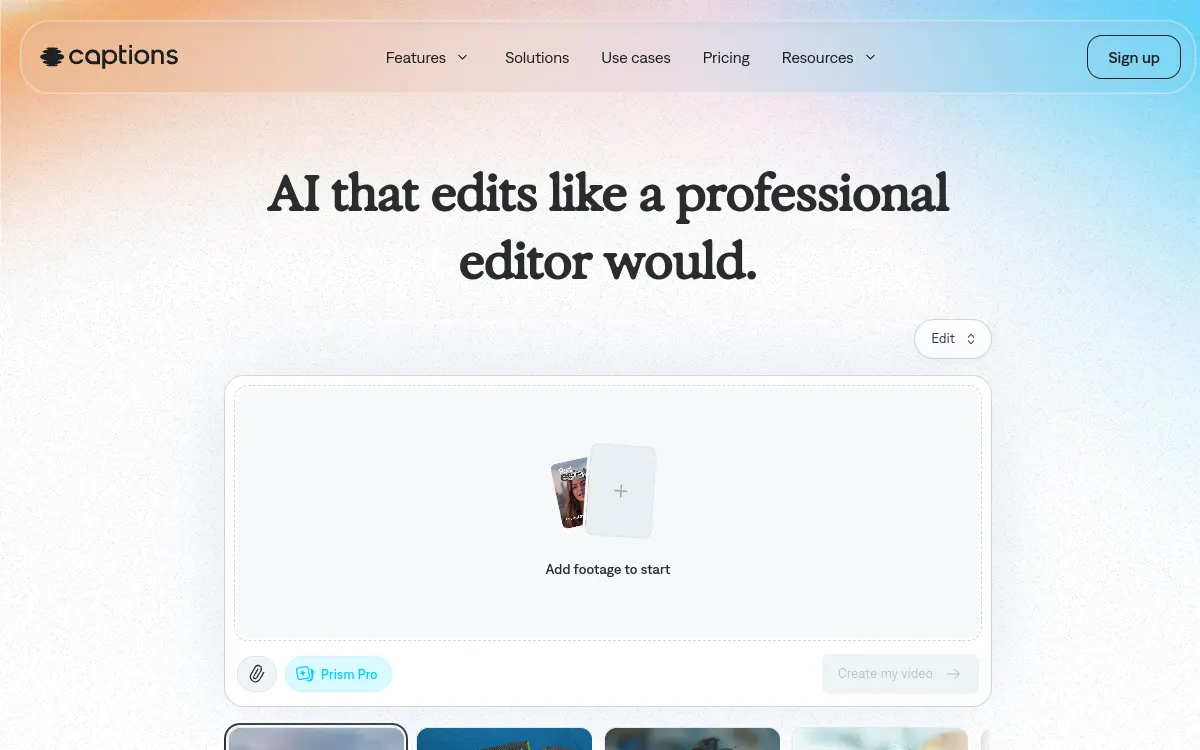
Edit talking-head video by editing the transcript
Captions turns raw phone footage into polished shorts: auto captions, eye-contact correction, background removal and AI dubbing.
- Starting price
- ~$10 / month
- Free plan
- Yes
Starter prompts
Copy one into Captions and swap the {braces} for your own details.
- A {camera movement} shot of {subject} in {setting}, {mood} lighting, five seconds, cinematic.
- Animate this still with subtle motion: {image}.
- Extend this clip by four seconds, keeping the motion and lighting consistent: {clip}.
Overview
Captions targets the creator workflow rather than generation. It transcribes your clip, lets you cut by deleting words, restyles captions to match trends and adds studio effects like eye contact and auto-zoom. AI dubbing covers 30+ languages.
Key Features
Transcript editing
Delete a sentence to delete that part of the video.
Studio effects
Eye contact, background blur and auto-framing without a green screen.
AI dubbing
Re-voice the clip in another language with matched lip movement.
How to Use
- Import a phone or webcam clip.
- Clean the transcript and pick a caption style.
- Export vertical for shorts, or dub into other languages.
Core Advantages
- ✓Cuts editing time dramatically
- ✓Caption styles stay on-trend
- ✓Dubbing quality is usable
Who It's For
Pricing & Free Trial
Pro
~$10 / month
Unlimited short exports
Max
~$24 / month
Long-form, 4K, more dubbing
Free tier: Limited exports per month.
Prices are indicative — check the current list on captions.ai
Frequently asked questions
- What is Captions?
- Captions turns raw phone footage into polished shorts: auto captions, eye-contact correction, background removal and AI dubbing.
- Is there a free plan for Captions?
- Limited exports per month.
- How much does Captions cost?
- Captions uses a freemium model. The entry paid plan is ~$10 / month (Pro).
- What can Captions do?
- Its headline capabilities: transcript editing; studio effects; AI dubbing.
- Who is Captions for?
- It is aimed at creators, course sellers, social teams.
Our Verdict
If your output is talking-head shorts, this replaces an hour of timeline work per clip. Not a tool for narrative editing.
Community rating
Tap a star to rate this tool
More like this




Compare Captions with alternatives
Put Captions next to its closest rivals — ratings, free tiers and entry prices in one table:
 Kling AI★ 4.6
 Veo★ 4.6
 OpusClip★ 4.5