
ColorMagic
★★★★★4.0DesignFreeUpdated 27 Oct 2026
Colour palettes from any word or mood
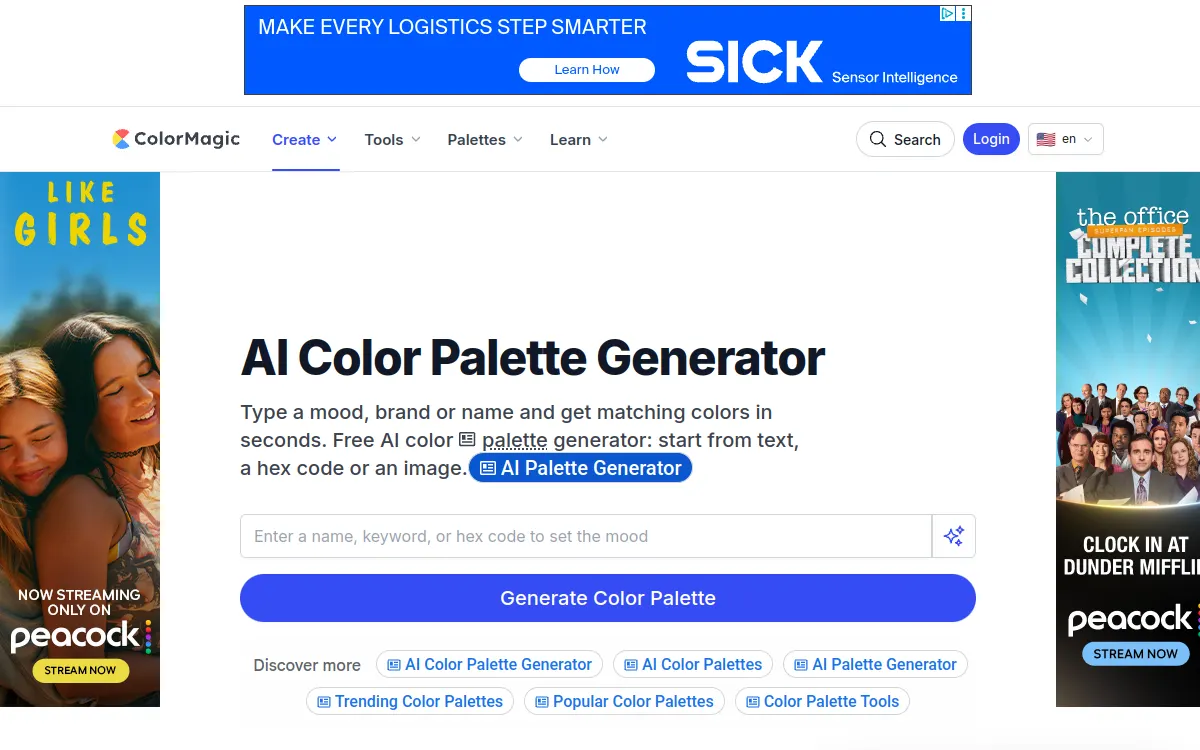
ColorMagic generates palettes from a description, with live preview of how the colours behave in a UI.
colormagic.app
Starter prompts
Copy one into ColorMagic and swap the {braces} for your own details.
- Design a {artifact} for {audience} with a {style} aesthetic and a {palette} palette.
- Show three layout options for this screen and explain the trade-offs: {description}.
- Suggest typography and spacing rules that match this reference: {reference}.
Key Features
Text to palette
Describe a mood or paste an image reference.
UI preview
See the palette applied to components.
Export
Copy as CSS variables or Tailwind config.
How to Use
- Type a phrase like 'wet moss at dawn'.
- Adjust the generated palette's hue and contrast.
- Export tokens for your codebase.
Pros & Cons
Pros
- ✓Free
- ✓Fast
- ✓Useful export formats
Cons
- ×No meaningful free tier — you pay from day one.
Who It's For
DesignersFrontend devsBranding
Pricing & Free Trial
FreeIndicative — not yet re-checked
Free
$0
Unlimited palettes
Free tier: All features at no cost.
Prices are indicative — check the current list on colormagic.app
Frequently asked questions
- What is ColorMagic?
- ColorMagic generates palettes from a description, with live preview of how the colours behave in a UI.
- Is there a free plan for ColorMagic?
- All features at no cost.
- How much does ColorMagic cost?
- ColorMagic uses a free model — see the pricing section for the plans we have on file.
- What can ColorMagic do?
- Its headline capabilities: text to palette; UI preview; export.
- Who is ColorMagic for?
- It is aimed at designers, frontend devs, branding.
Our Verdict
A small tool that removes a common time sink.
Community rating
—
0 ratings
Tap a star to rate this tool
More like this





Compare ColorMagic with alternatives
Put ColorMagic next to its closest rivals — ratings, free tiers and entry prices in one table:
 Figma AI★ 4.5
 Canva AI★ 4.4
Lovart★ 4.3