
Krea
Real-time AI image generation
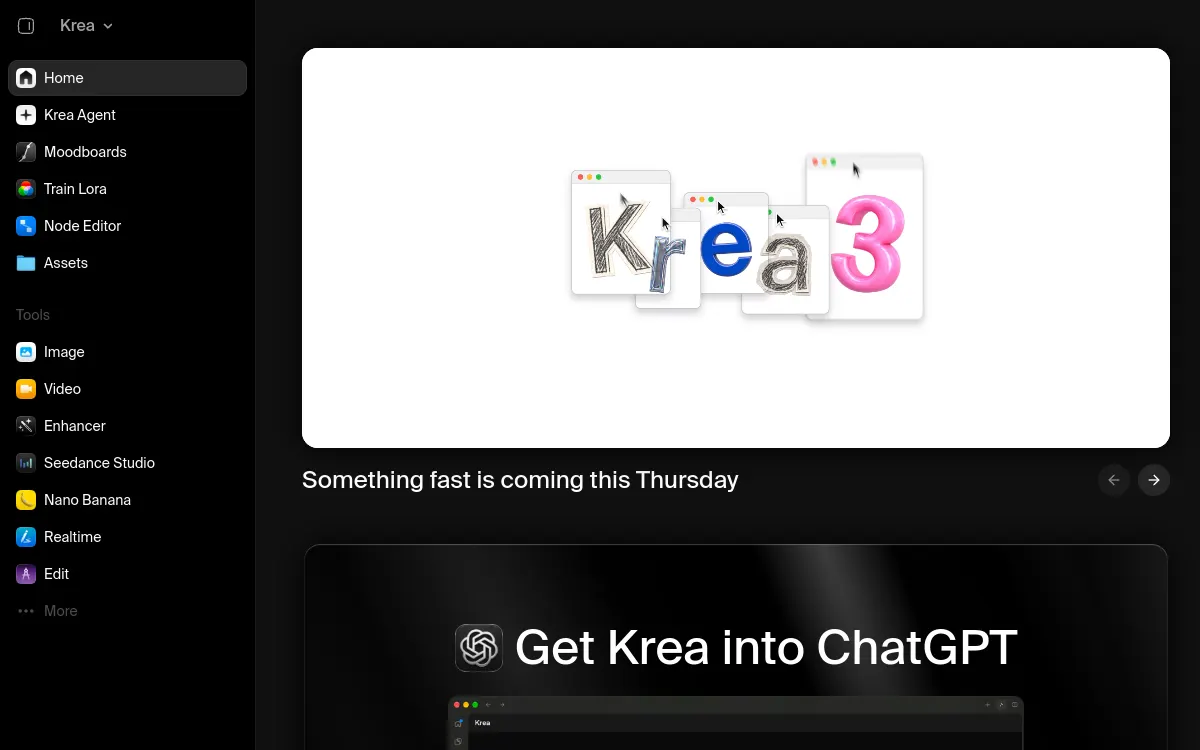
Krea offers real-time canvas, upscaling and enhancement tools that feel instant, great for rapid ideation.
- Starting price
- $9/mo
- Free plan
- Yes
Starter prompts
Copy one into Krea and swap the {braces} for your own details.
- {subject}, {style} style, {lighting} lighting, shot on {lens} — aspect ratio 16:9.
- Redraw this reference in {style} while keeping the composition: {reference}.
- Give me four variations of {subject} for a moodboard, each with a different palette.
Overview
Krea's pitch is immediacy: a real-time canvas where the image updates as you sketch or type, plus a strong upscaler. It is built for the messy first ten minutes of an idea, not for final production.
Key Features
Real-time generation
Draw rough shapes and watch a rendered image form instantly — much faster feedback than prompt-and-wait.
Enhancer and upscaler
Lifts low-resolution or AI-generated images to print-usable sharpness.
Multiple models in one UI
Switch between image, video and enhancement models without new accounts.
How to Use
- Open Real-time and pick a model plus a style.
- Sketch the composition; the canvas renders continuously as you work.
- Freeze a frame you like and send it to the enhancer.
- Export at target resolution, or continue in another editor.
Pros & Cons
Pros
- ✓Fastest idea-to-image loop available.
- ✓Excellent upscaling for old or low-res assets.
- ✓Generous free tier for experimenting.
Cons
- ×No meaningful free tier — you pay from day one.
Who It's For
Pricing & Free Trial
Free
$0 / month
100 units/day, realtime models, watermark-free images
Basic
$9 / month
5,000 units, all image models ($5/mo billed yearly)
Pro
$25 / month
20,000 units, all video models, LoRA training ($21/mo yearly)
Max
$105 / month
60,000 units, unlimited relaxed generations ($63/mo yearly)
Free tier: Free plan gives 100 units a day on shared infrastructure, no credit card required.
Last checked 27 Oct 2026 · source page
The page defaults to yearly billing with 40% off; the monthly price is shown struck through.
Frequently asked questions
- What is Krea?
- Krea offers real-time canvas, upscaling and enhancement tools that feel instant, great for rapid ideation.
- Is there a free plan for Krea?
- Free plan gives 100 units a day on shared infrastructure, no credit card required.
- How much does Krea cost?
- Krea uses a unit-based subscription, monthly or yearly model. The entry paid plan is $9 / month (Basic).
- What can Krea do?
- Its headline capabilities: real-time generation; enhancer and upscaler; multiple models in one UI.
- Who is Krea for?
- It is aimed at designers exploring compositions quickly, marketers reviving low-resolution brand assets, hobbyists who find prompting tedious.
Our Verdict
A specialist tool worth adding rather than replacing anything. Its real killer feature is the upscaler; the real-time canvas is the fun part.
Community rating
Tap a star to rate this tool
More like this





Compare Krea with alternatives
Put Krea next to its closest rivals — ratings, free tiers and entry prices in one table:
 FLUX★ 4.7
 Nano Banana★ 4.6
 Midjourney★ 4.6