
Domo AI
★★★★★4.1VideoPaidUpdated 27 Oct 2026
Turn live-action clips into animated styles
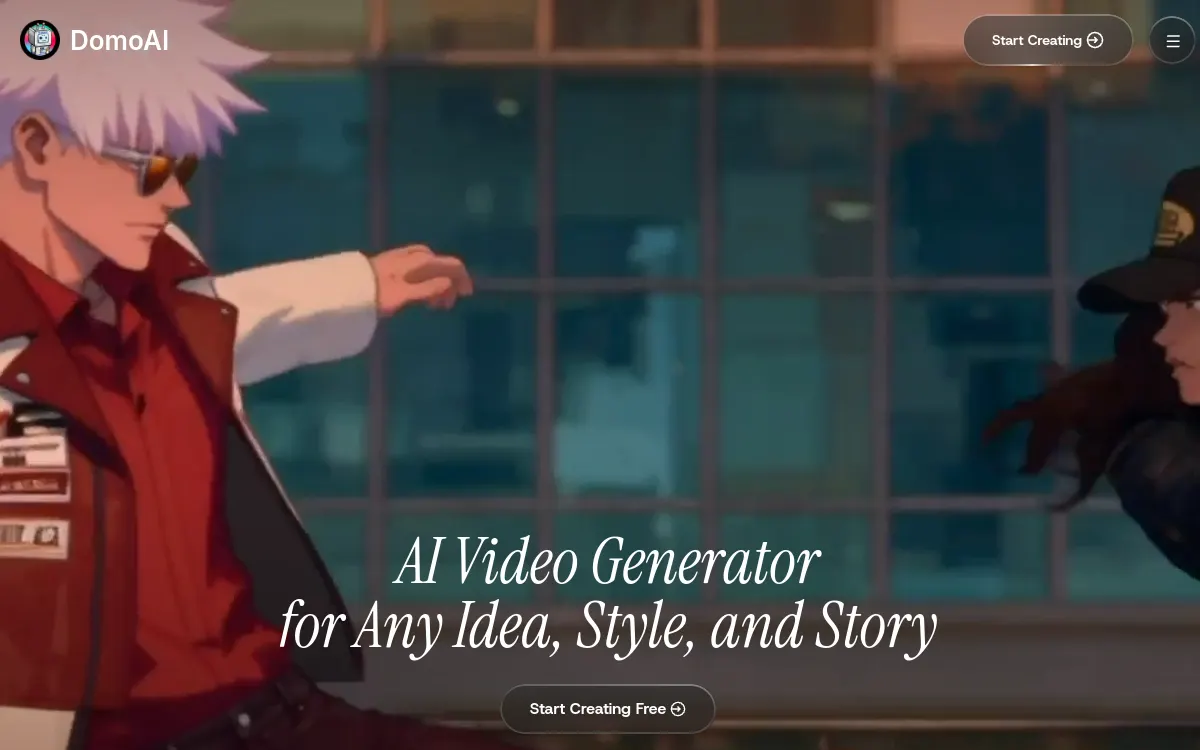
Domo AI restyles video into anime, 3D or illustration looks while keeping the motion of the original footage.
- Starting price
- ~$10 / month
- Free plan
- No
domoai.app
Starter prompts
Copy one into Domo AI and swap the {braces} for your own details.
- A {camera movement} shot of {subject} in {setting}, {mood} lighting, five seconds, cinematic.
- Animate this still with subtle motion: {image}.
- Extend this clip by four seconds, keeping the motion and lighting consistent: {clip}.
Key Features
Video restyle
Anime, pixel, clay and 3D presets.
Motion retention
Keeps the original movement.
Discord and web
Both interfaces supported.
How to Use
- Upload a short clip under the size limit.
- Pick a style preset and strength.
- Render and download the restyled clip.
Core Advantages
- ✓Distinctive style transfer
- ✓Fast for short clips
- ✓Free credits
Who It's For
CreatorsAnime fansMusic videos
Pricing & Free Trial
CreditsIndicative — not yet re-checked
Pro
~$10 / month
More credits, HD
Free tier: Daily free credits.
Prices are indicative — check the current list on domoai.app
Frequently asked questions
- What is Domo AI?
- Domo AI restyles video into anime, 3D or illustration looks while keeping the motion of the original footage.
- Is there a free plan for Domo AI?
- Daily free credits.
- How much does Domo AI cost?
- Domo AI uses a credits model. The entry paid plan is ~$10 / month (Pro).
- What can Domo AI do?
- Its headline capabilities: video restyle; motion retention; discord and web.
- Who is Domo AI for?
- It is aimed at creators, anime fans, music videos.
Our Verdict
Fun and effective on 5-second clips; consistency drops on longer footage.
Community rating
—
0 ratings
Tap a star to rate this tool
More like this



Compare Domo AI with alternatives
Put Domo AI next to its closest rivals — ratings, free tiers and entry prices in one table:
 Kling AI★ 4.6
 Veo★ 4.6
 OpusClip★ 4.5